📞 Page 2 of 3 — Before your onboarding call
Get ready for your onboarding call
4 things to do, in order, top to bottom. Around 20 minutes.
Watch once, then work down the list below.
1
Sign the agreement
2 minutes — check your email
- 1Open the email from us.
- 2Click the signing link.
- 3Sign and submit.
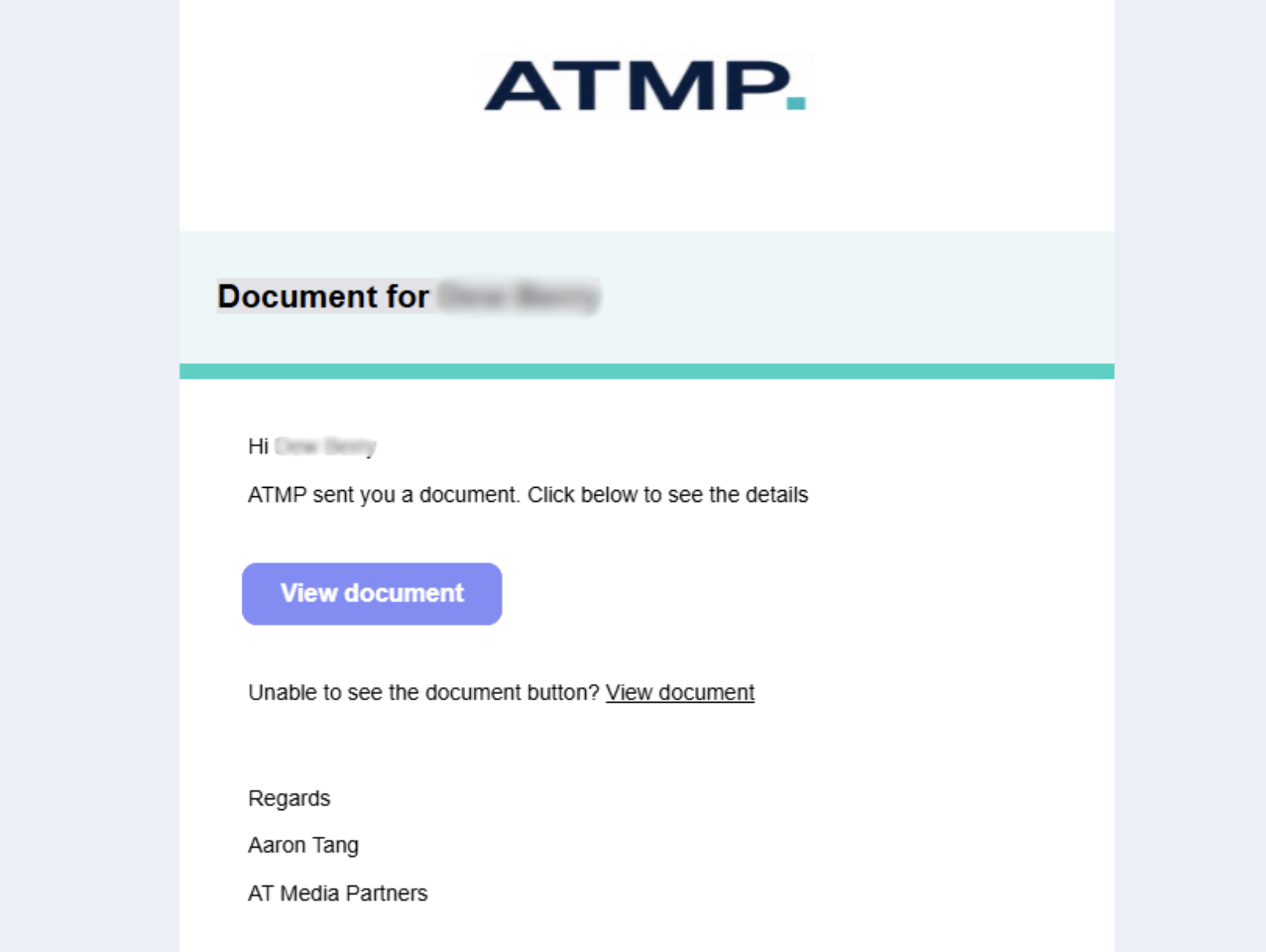
1. The email you'll get — tap View document.
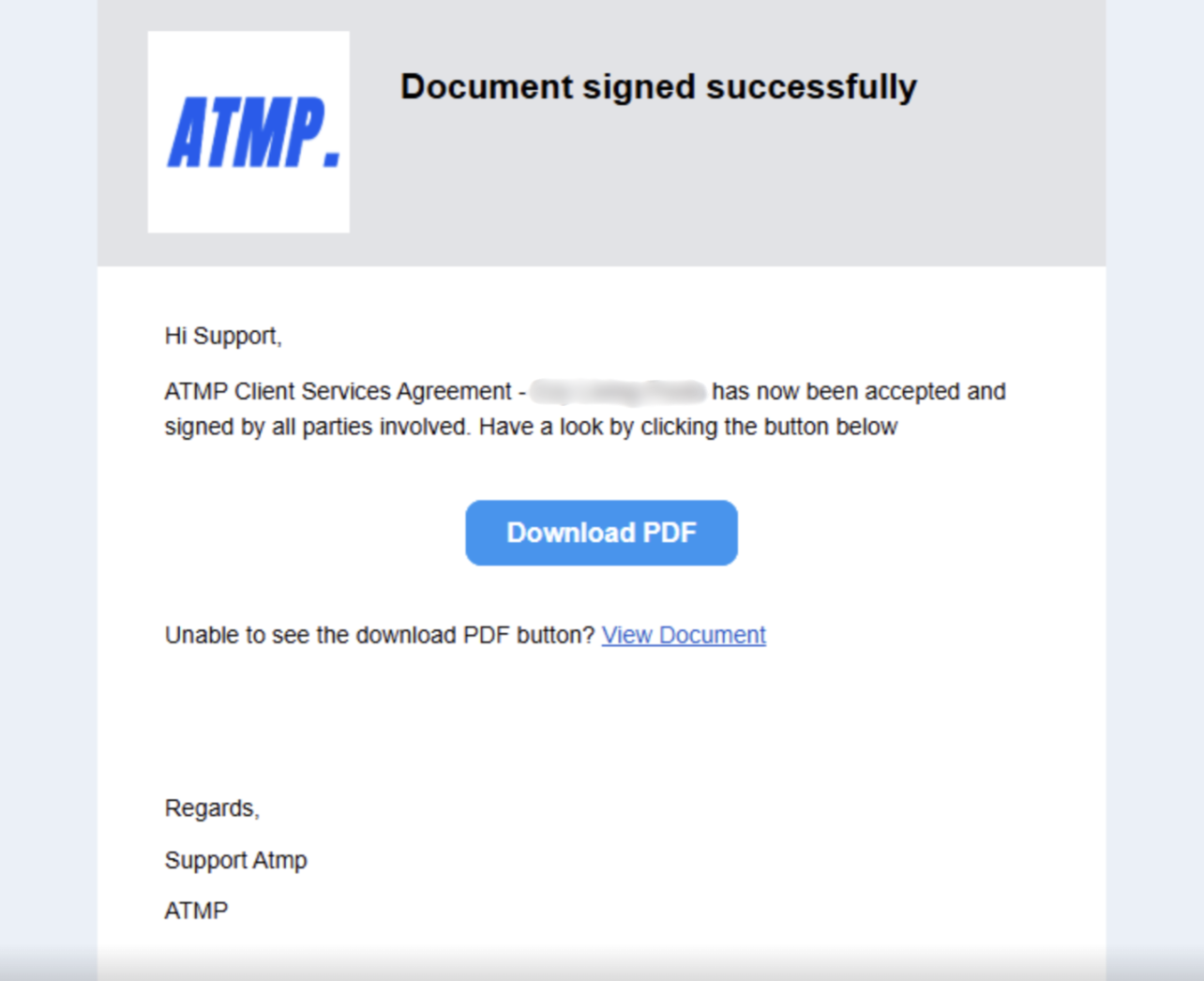
2. This confirmation means it's done.
Once it's signed, tick it off below.
2
Join your Slack channel
5 minutes — open the part that matches you
Open the part that matches your situation. Ignore the other two.
1
First time, on your phone Most clients
▾
2
First time, on your computer
▾
3
Already on your computer — add your phone
▾
Stuck? Just post in your channel.
Our team watches it during business hours and we'll sort you out. If you can't get into Slack at all, email us the word “Slack” and we'll call you and walk you through it.
3
Give us Facebook access
About 5 minutes — four short parts, tick each one off
Open one part at a time. Watch, do it, tick it — then move to the next.
1
Create your Business Manager
Not yet
▾
2
Set up your ad account and payment method
Not yet
▾
3
Give us access
Not yet
▾
4
Connect in one click
Not yet
▾
ℹ️ Running into errors? Come to the call prepared.
Before your onboarding call, make sure you're:
- Logged in to your personal Facebook profile
- Logged in to your Business Portfolio / Business Suite
If you're struggling with any of this — no worries at all. Come to the call and we'll get it set up together.
4
Send your creative assets
5 minutes — phone photos are fine
Four kinds of photo. Match what you see below — that's all we need.
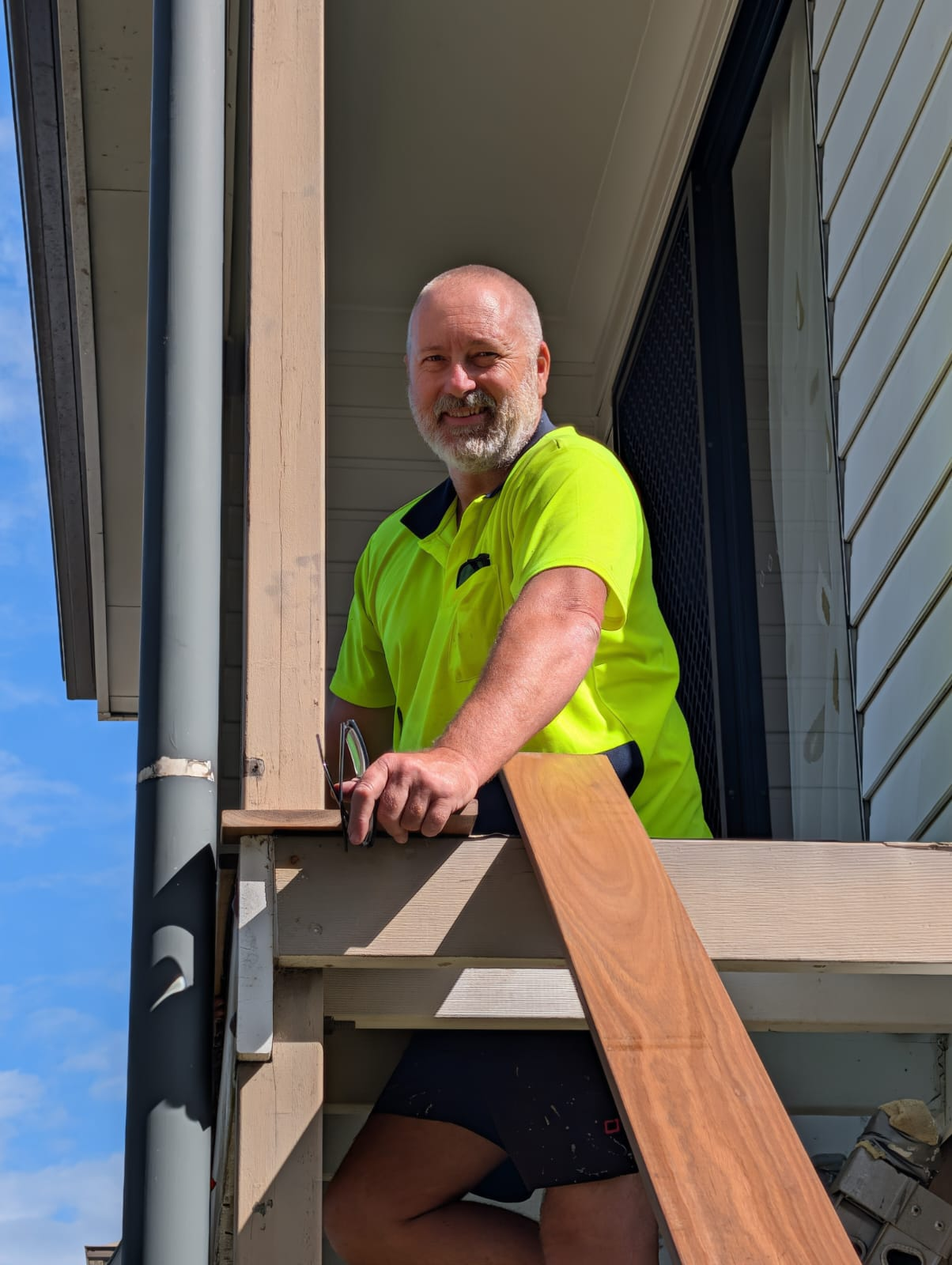
Photo 1
You in your polo
Standing, facing camera.
Need this
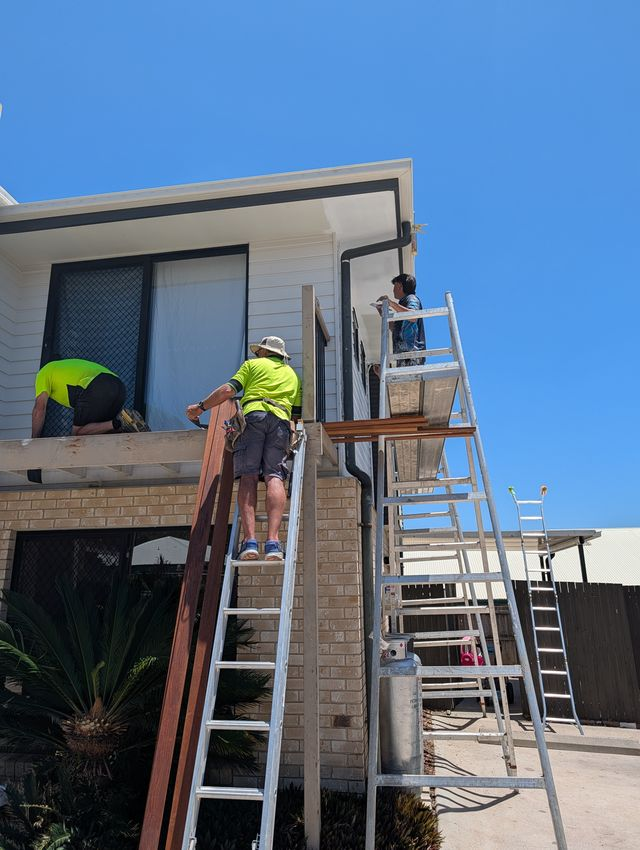
Photo 2
On the job
You actually working.
Need this
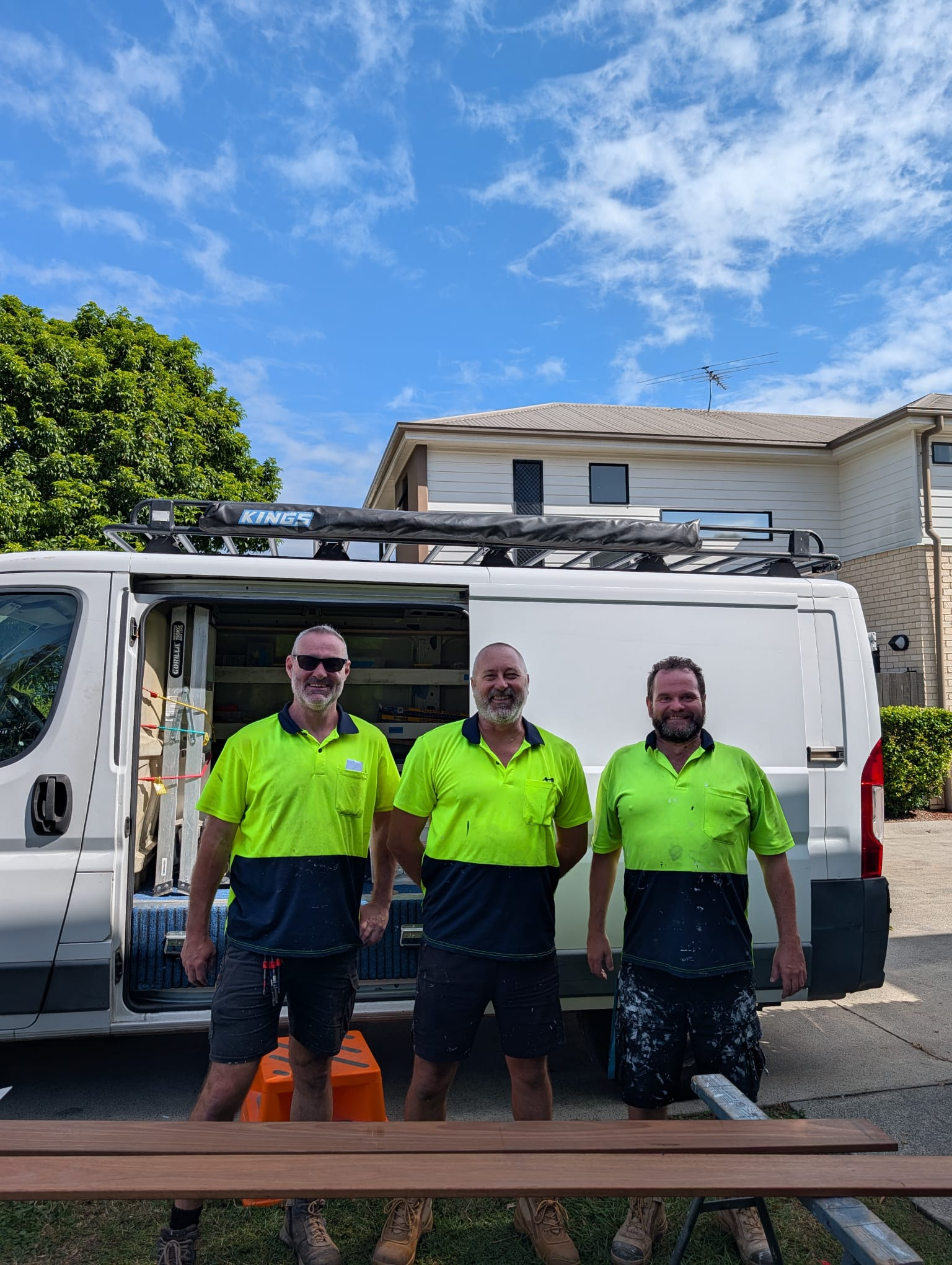
Photo 3
Your team
Together, on site.
Need this
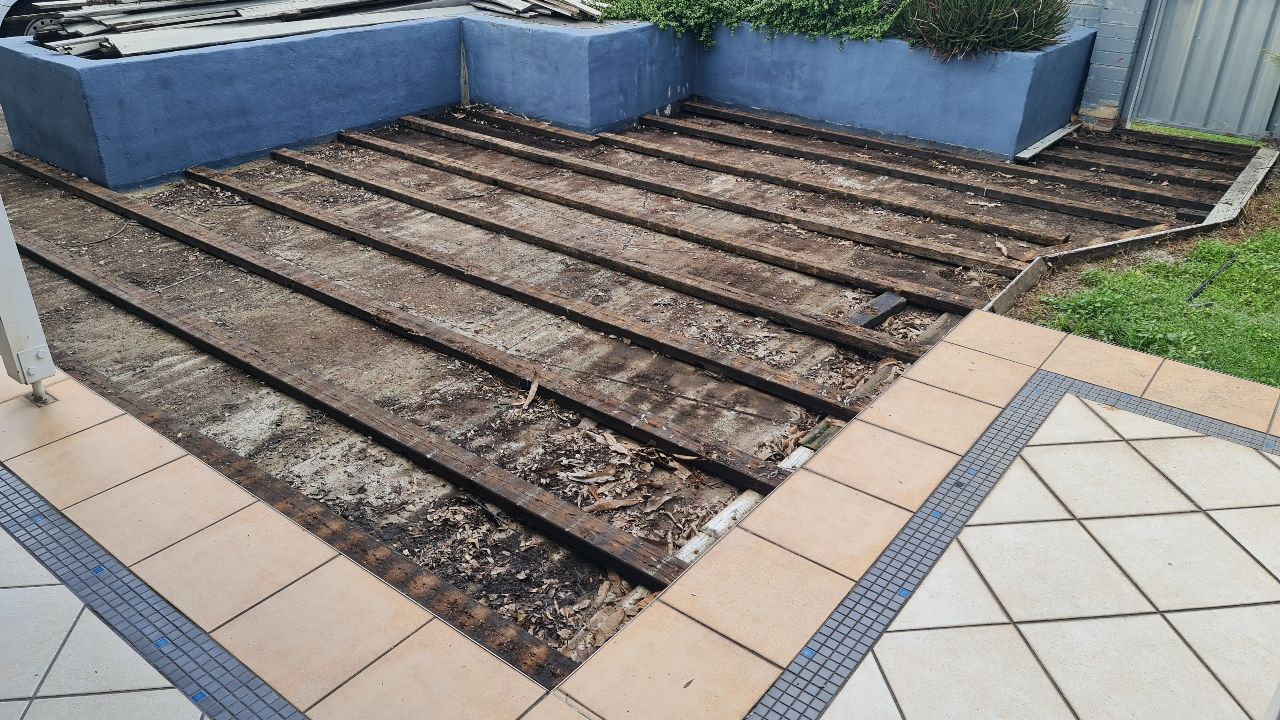
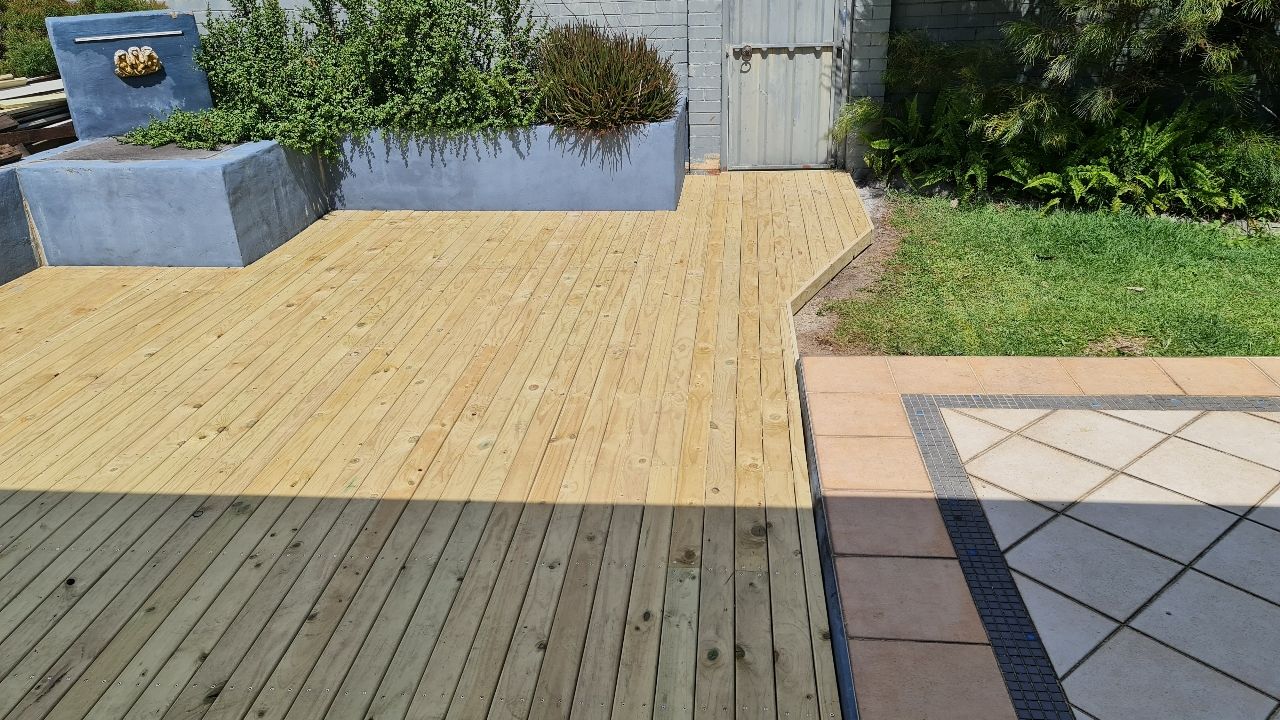
Photo 4
Before & after
Same angle, both ends of a job.
Need this
Don't overthink these.
Straight off your phone is exactly right. Post them in your Slack channel — we do the rest.
Your next action
All 4 ticked? Get ready for your launch call.
Post a quick message in your Slack channel so we can confirm your onboarding call time — then work through Page 3.
Go to Page 3 →