Your Progress
1 Agreement 2 WhatsApp 3 Facebook 4 CRM Login 5 Creatives 6 Training 7 Launch
🎨 Step 5 of 7 — Creative Brief

A Few Photos. A Few Clips. We Handle The Rest.

The creative drives 80% of your ad results. Send raw phone material — we turn it into hyper-realistic AI ads and high-converting video.

1

📷Send a few phone photos

Selfies, your team, on the job, before & afters. Even one or two is enough to start — no shoot required.

2

🎬Film a few short clips

60 seconds on your phone. We give you the script — you just hit record. That's the whole job.

That's everything we need. We handle the rest.
The Guide — pick a section
01
Section One — Photos

Send raw photos. Get hyper-realistic AI ads.

What we need from you

Four photo types. Send what's easiest — even one or two of these is enough to start.

01
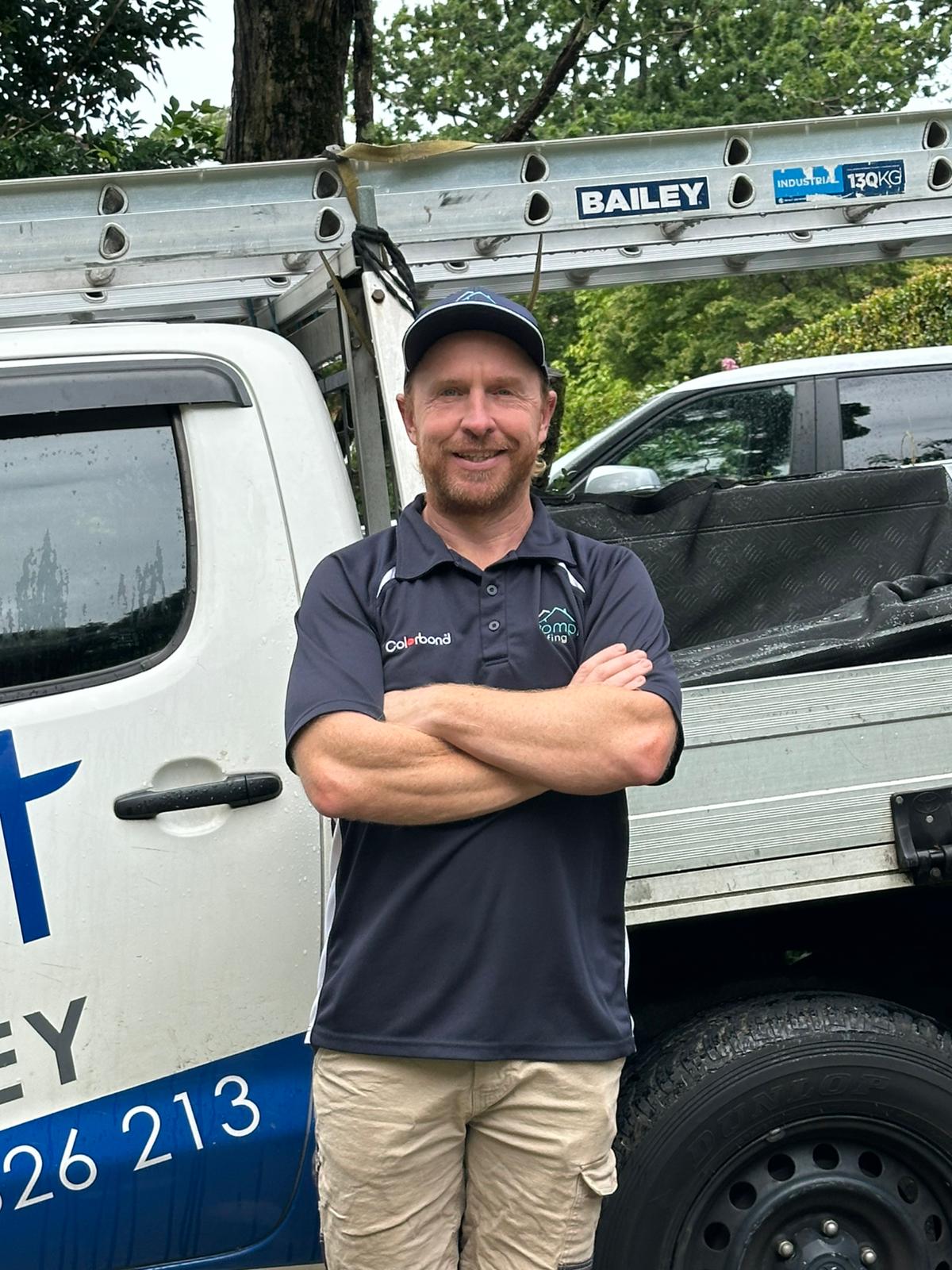
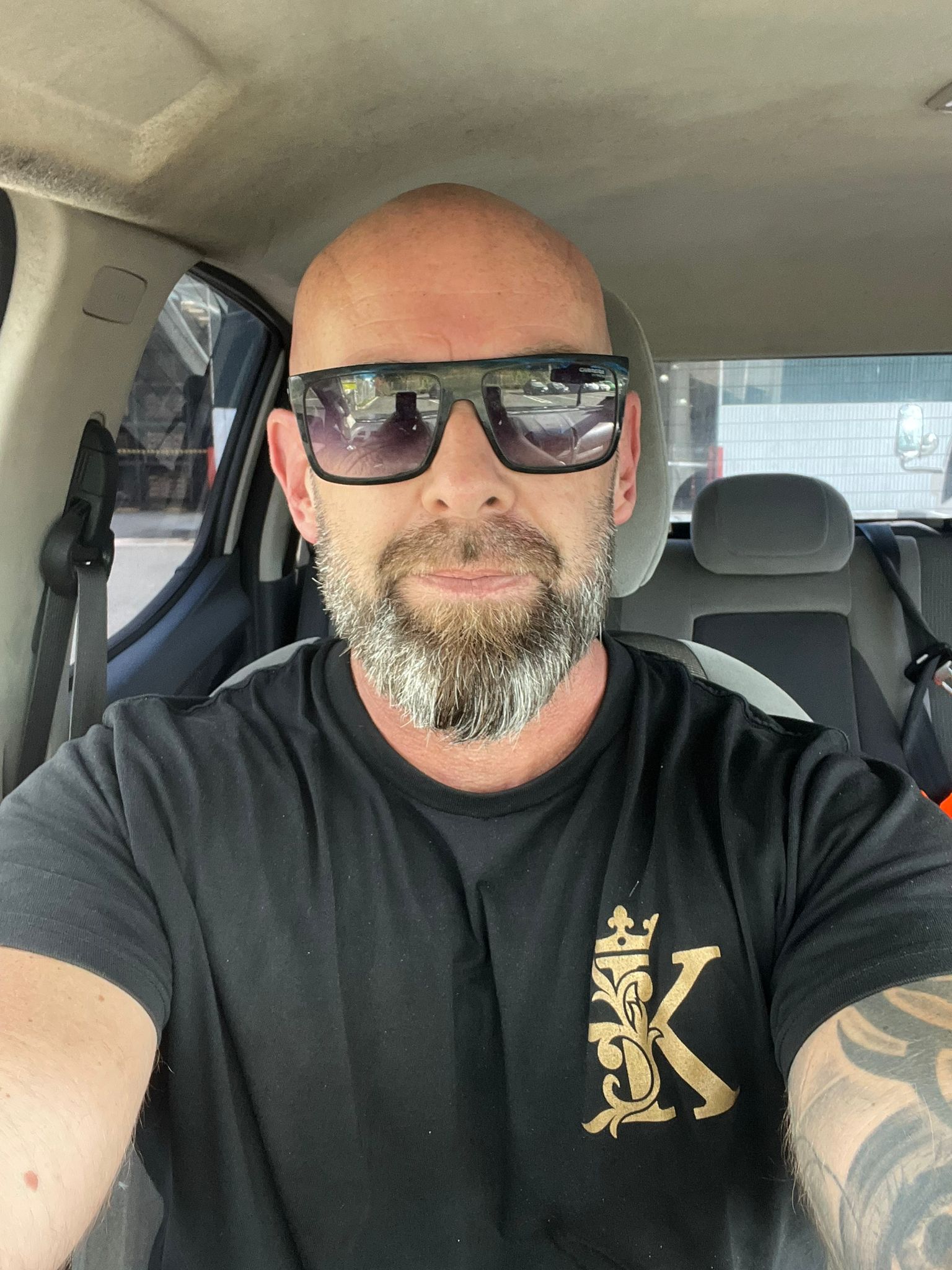
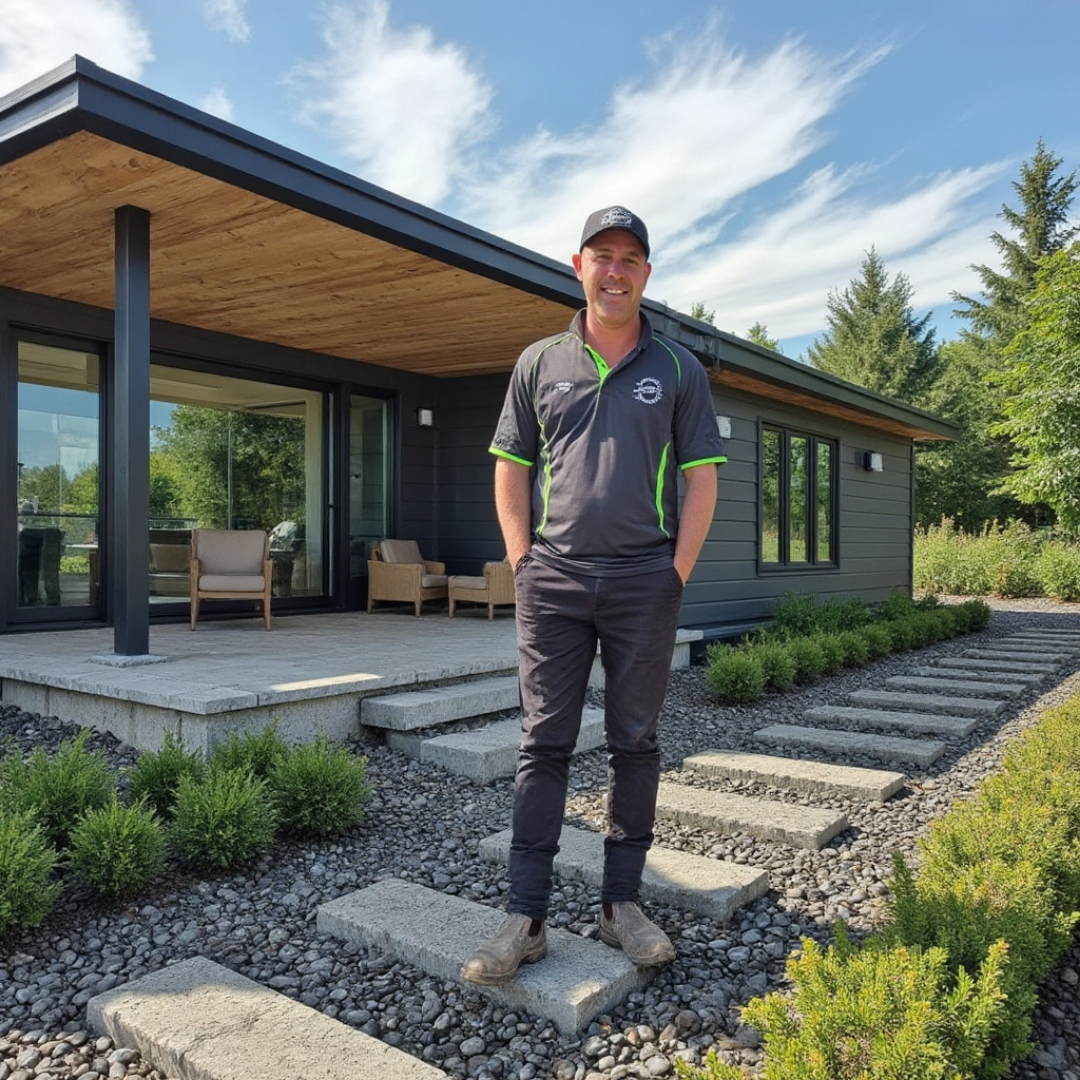
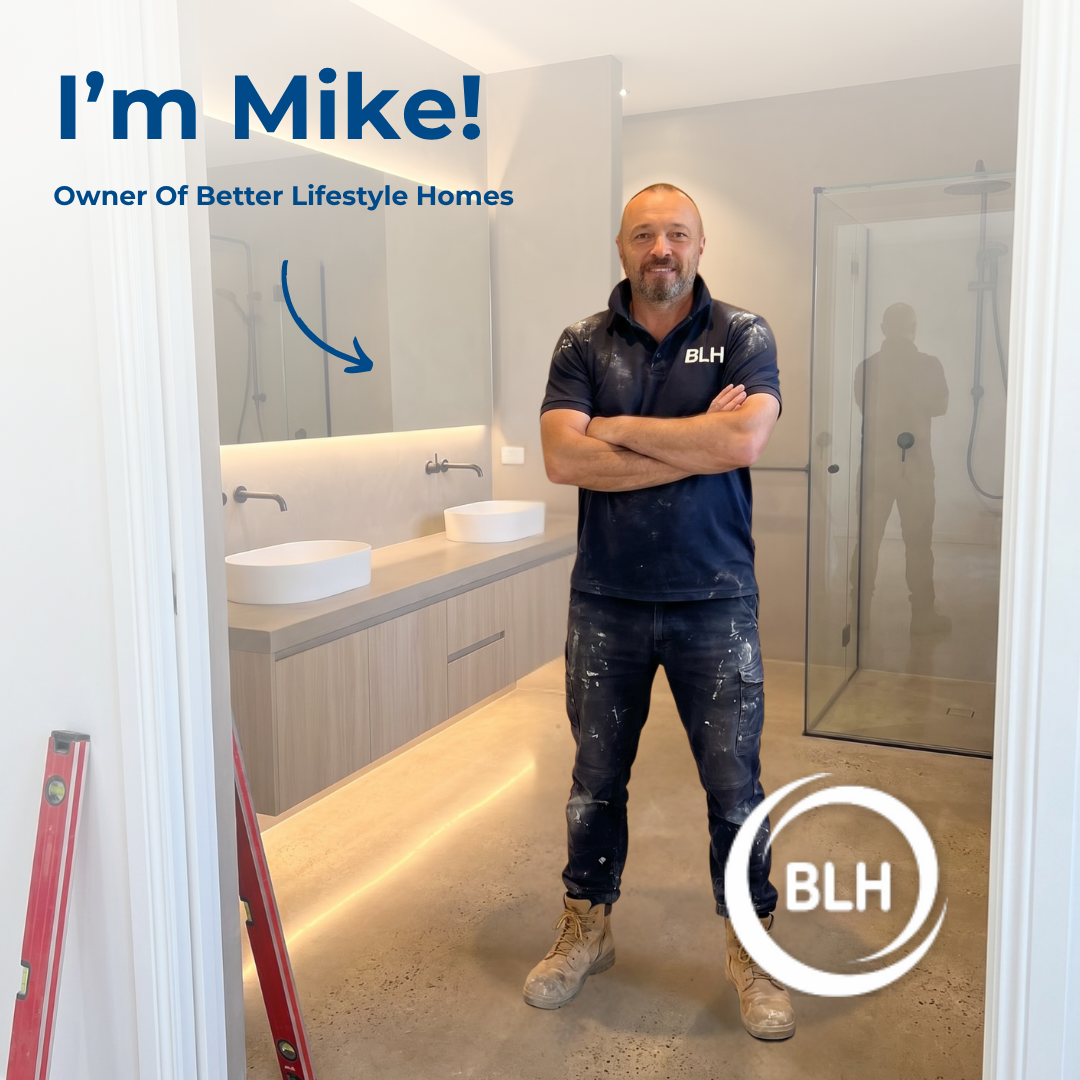
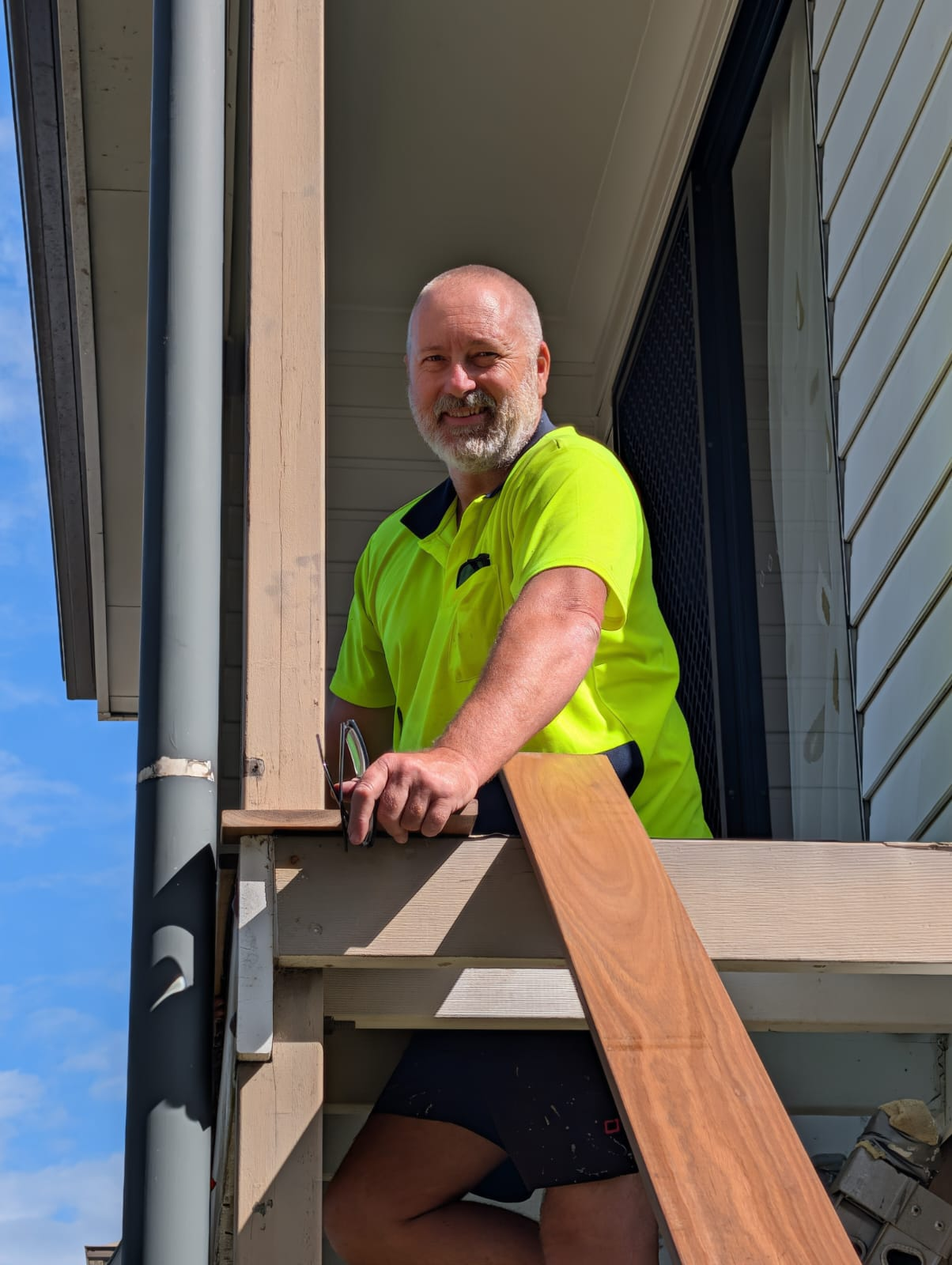
Solo in uniform
Face + logo, looking at camera.
02
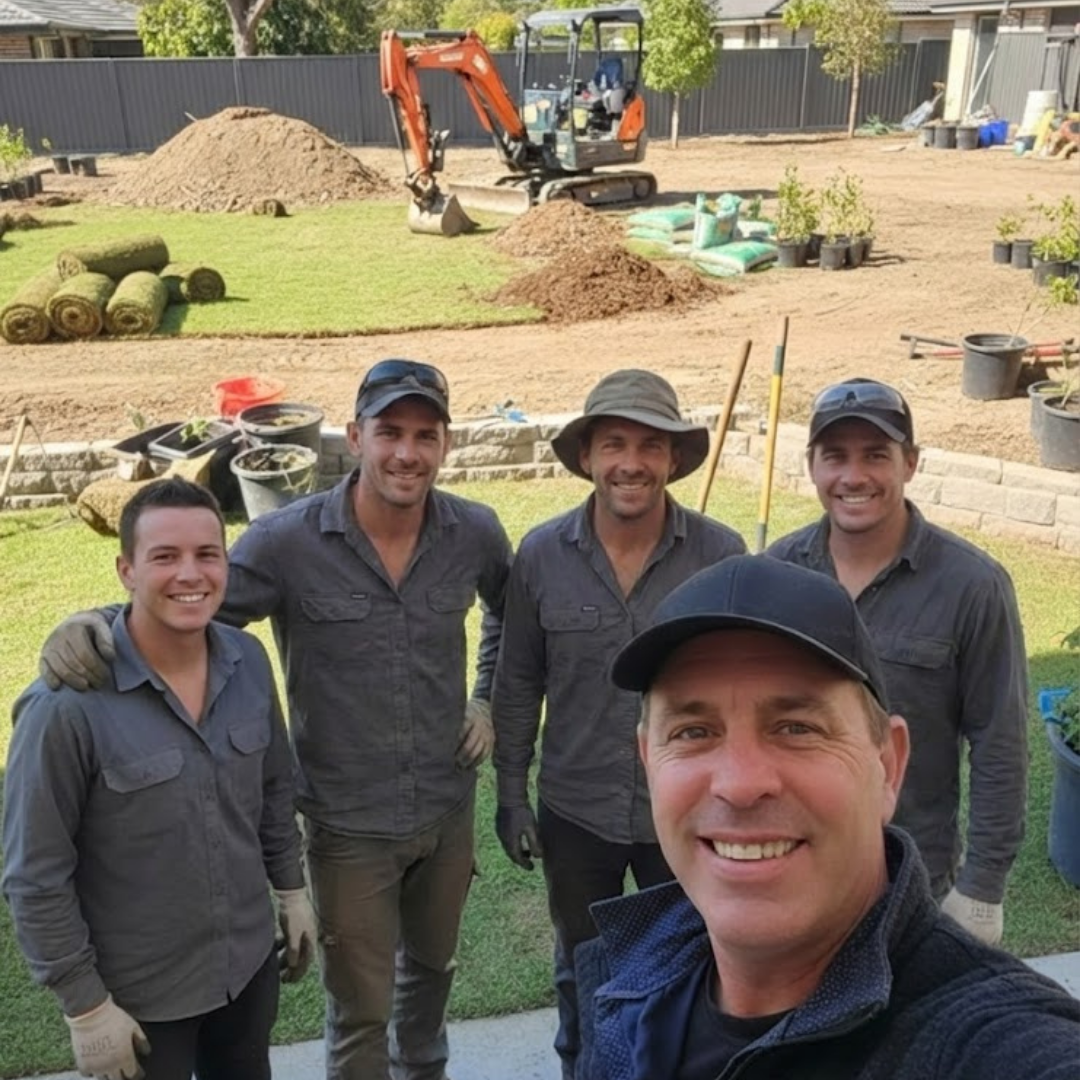
Team photo
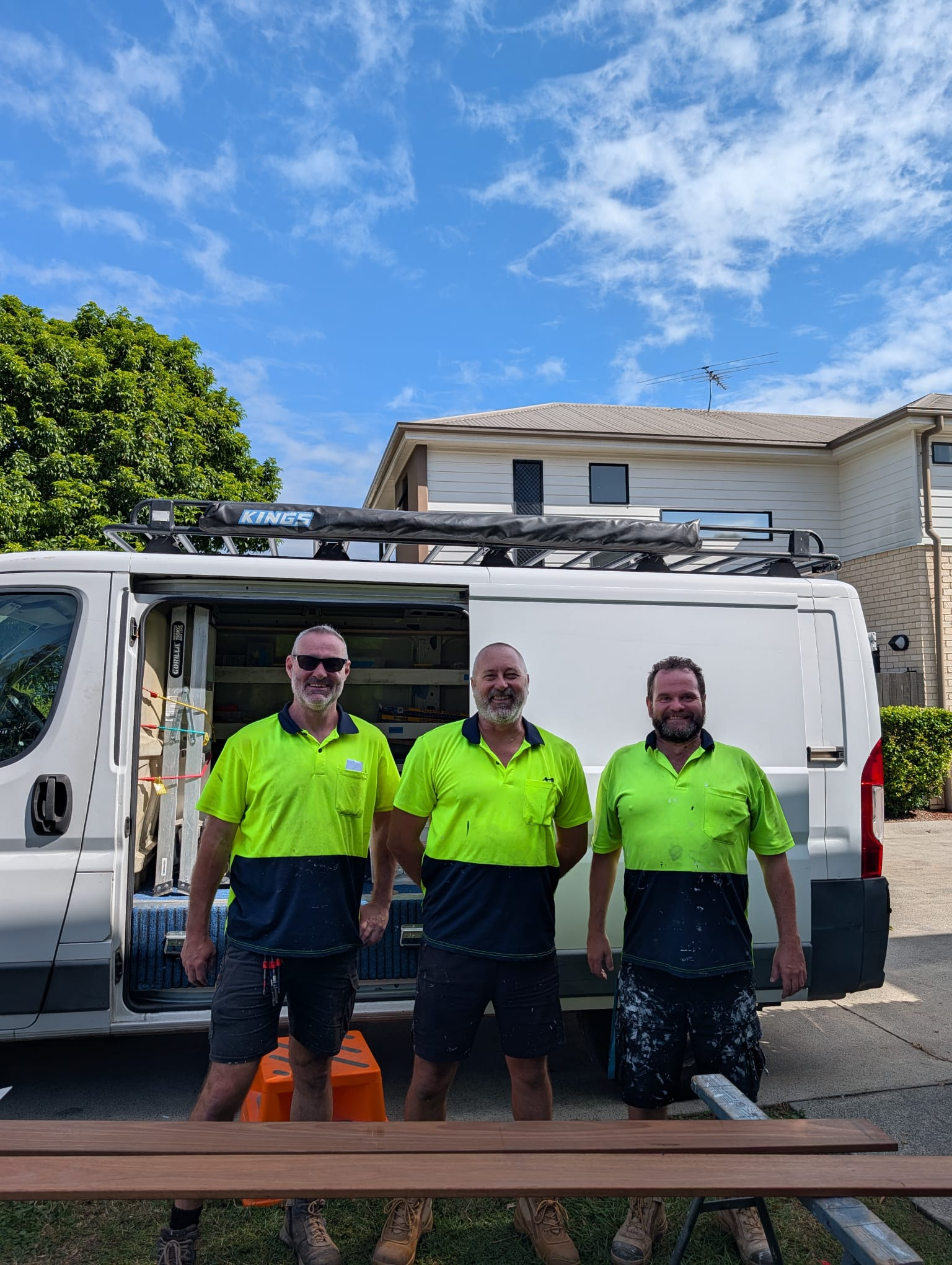
Branded uniforms, on-site or by the van.
03
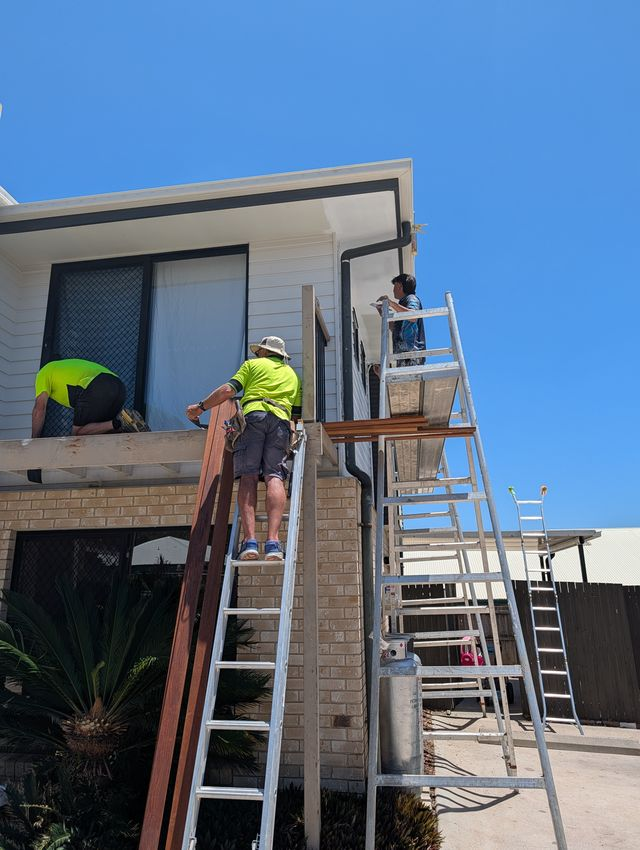
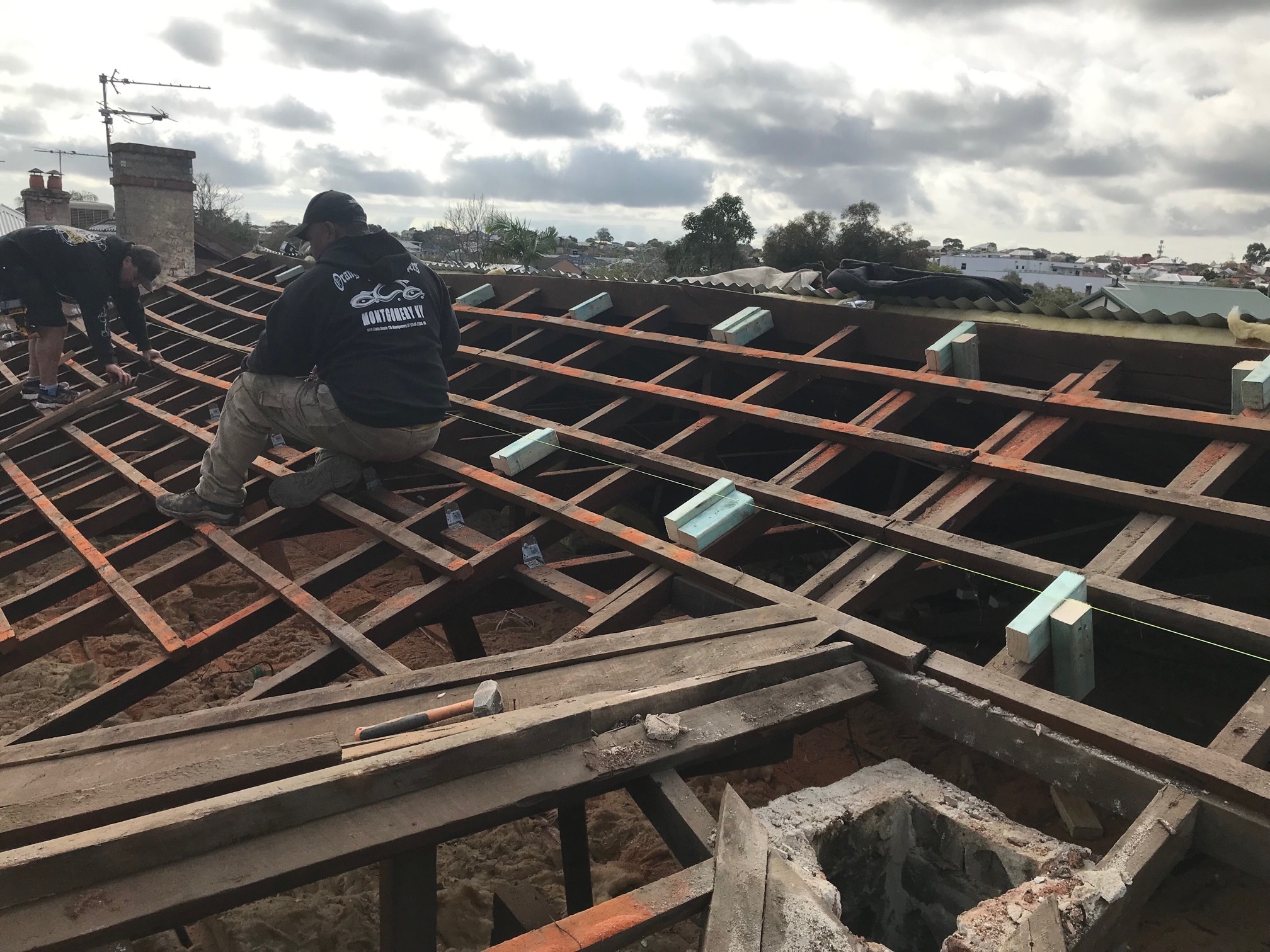
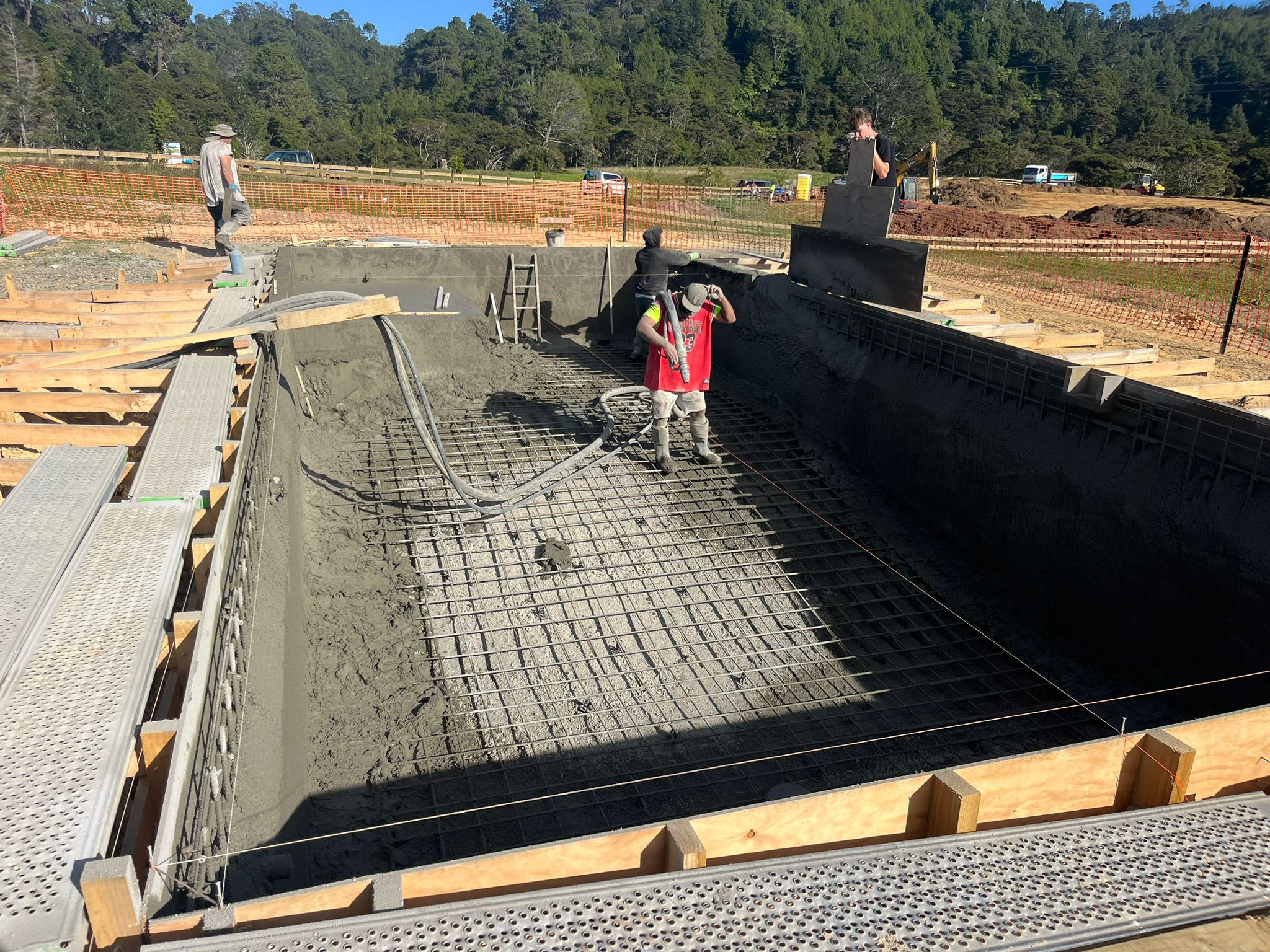
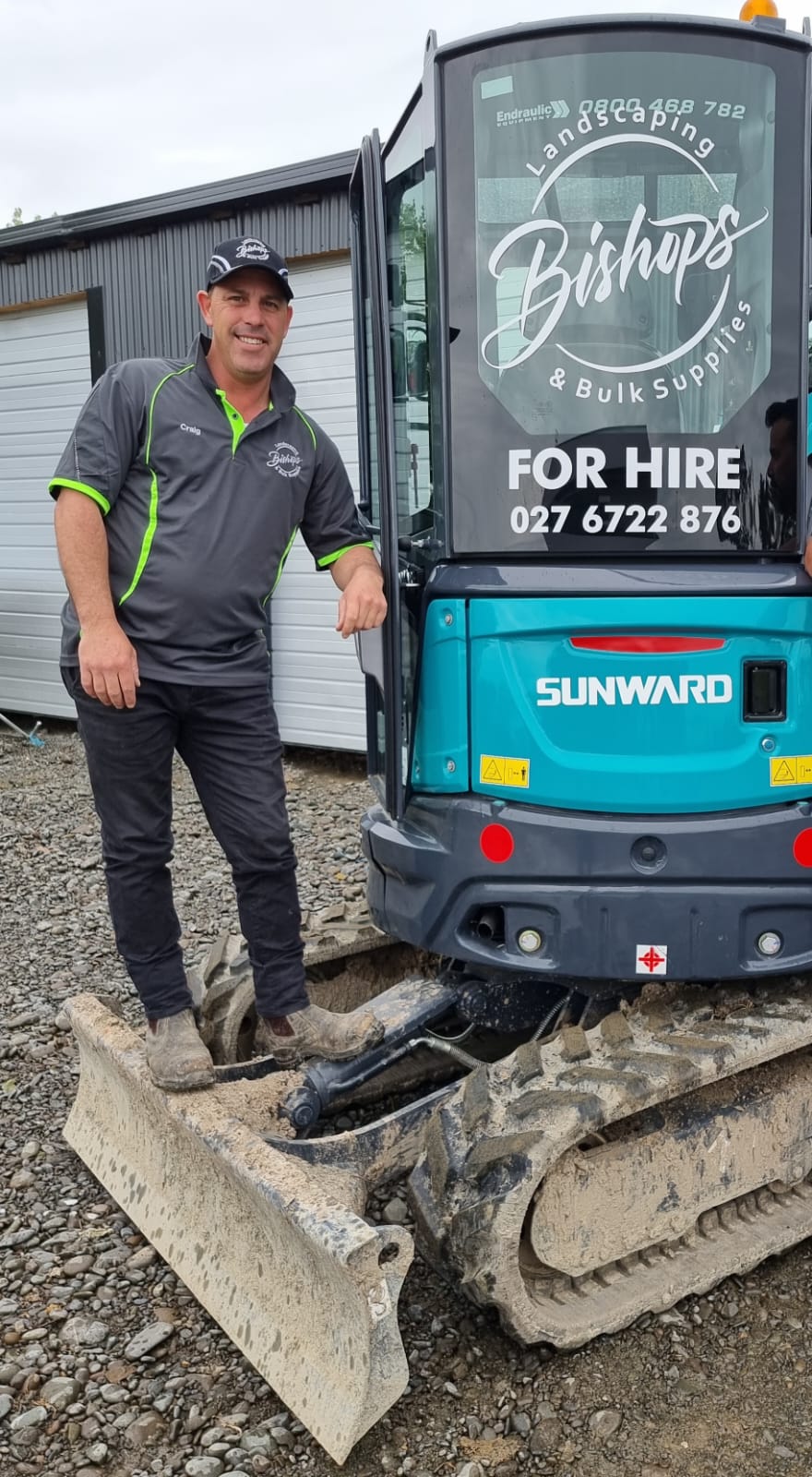
On the job
You doing the work — face + logo in frame.
04
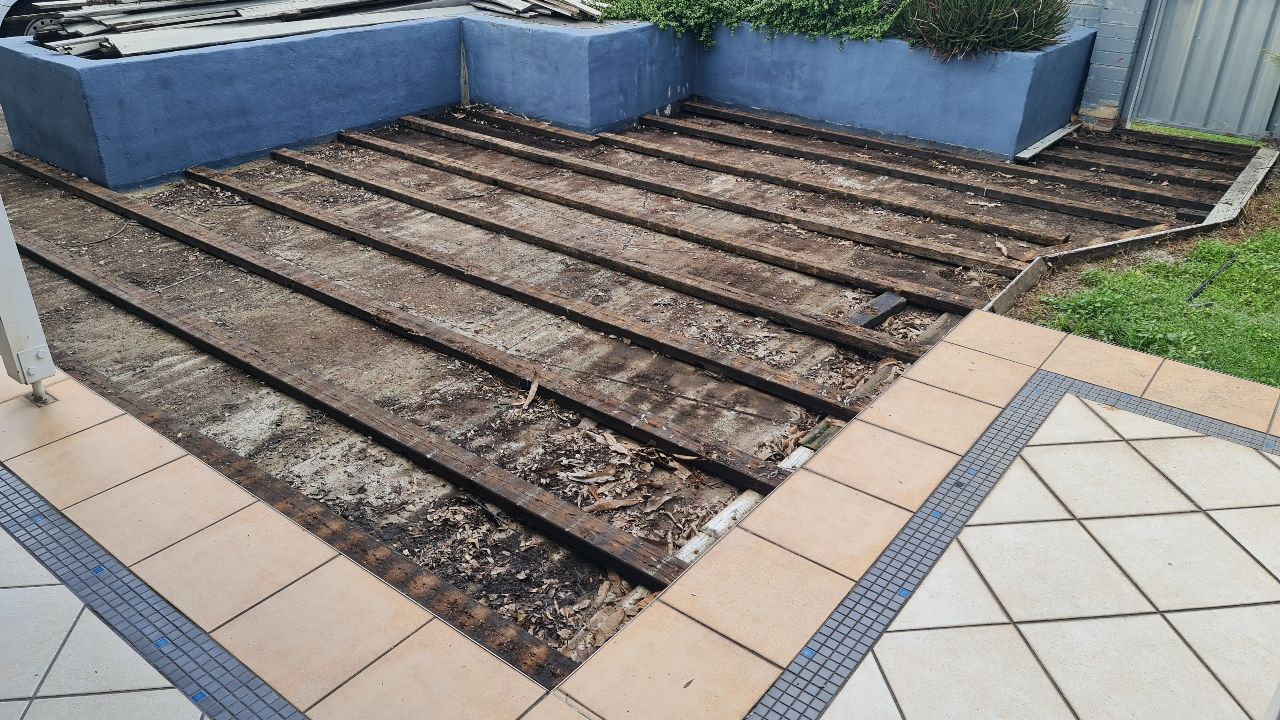
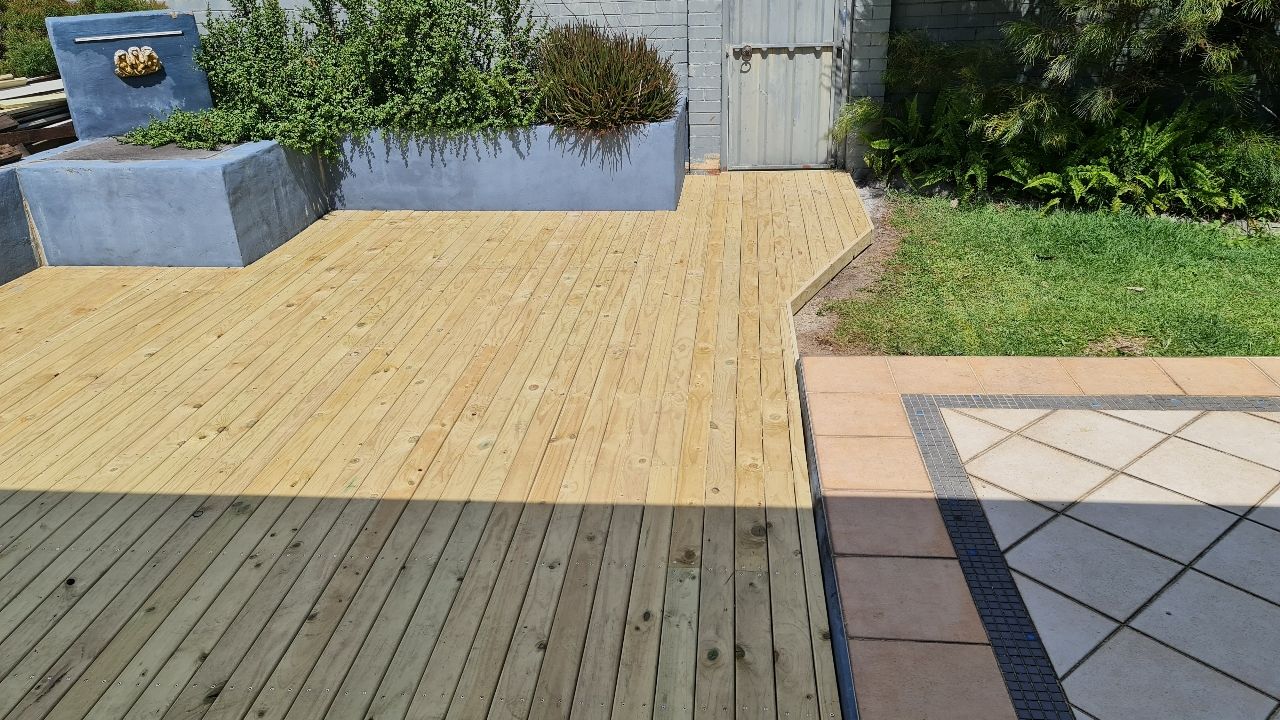
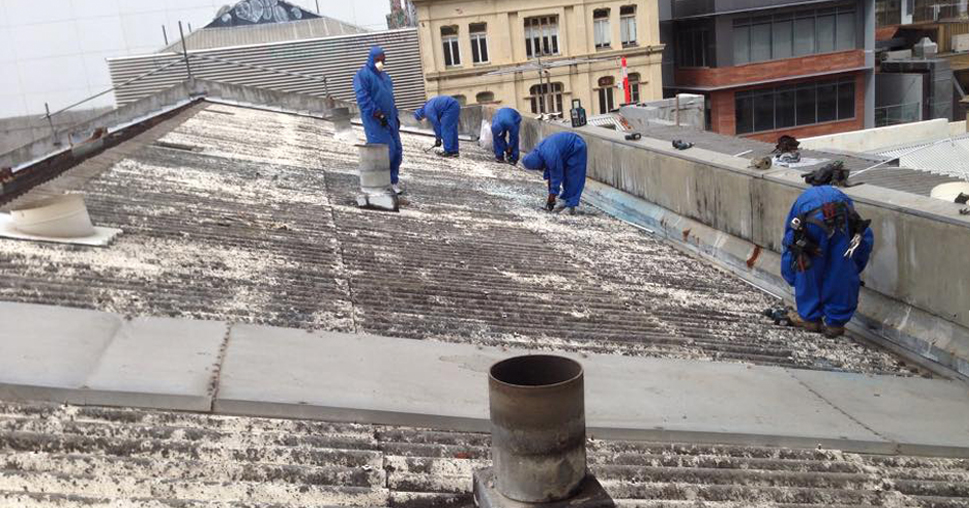
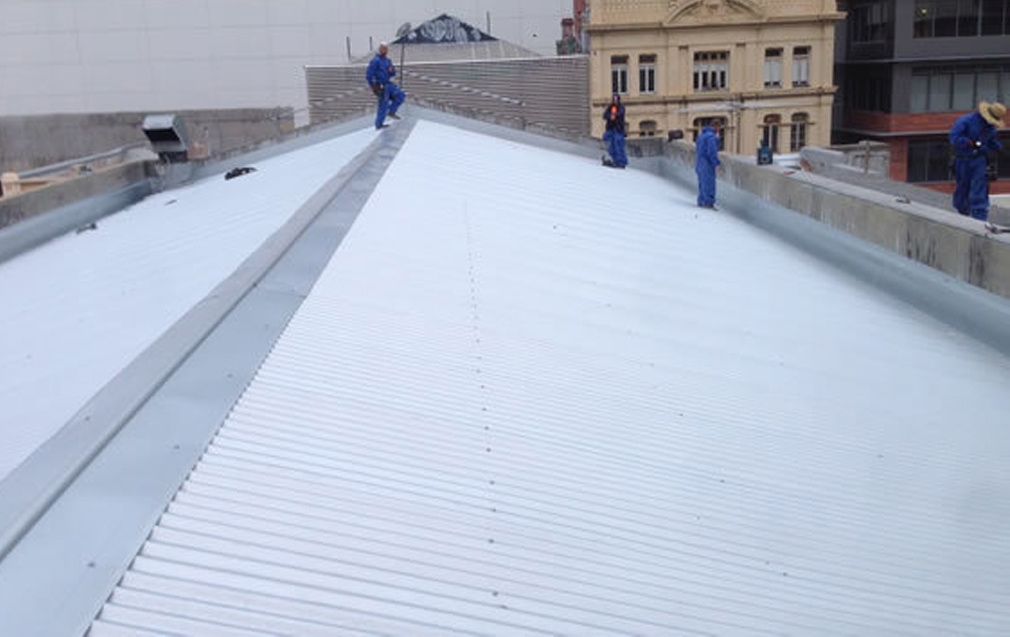
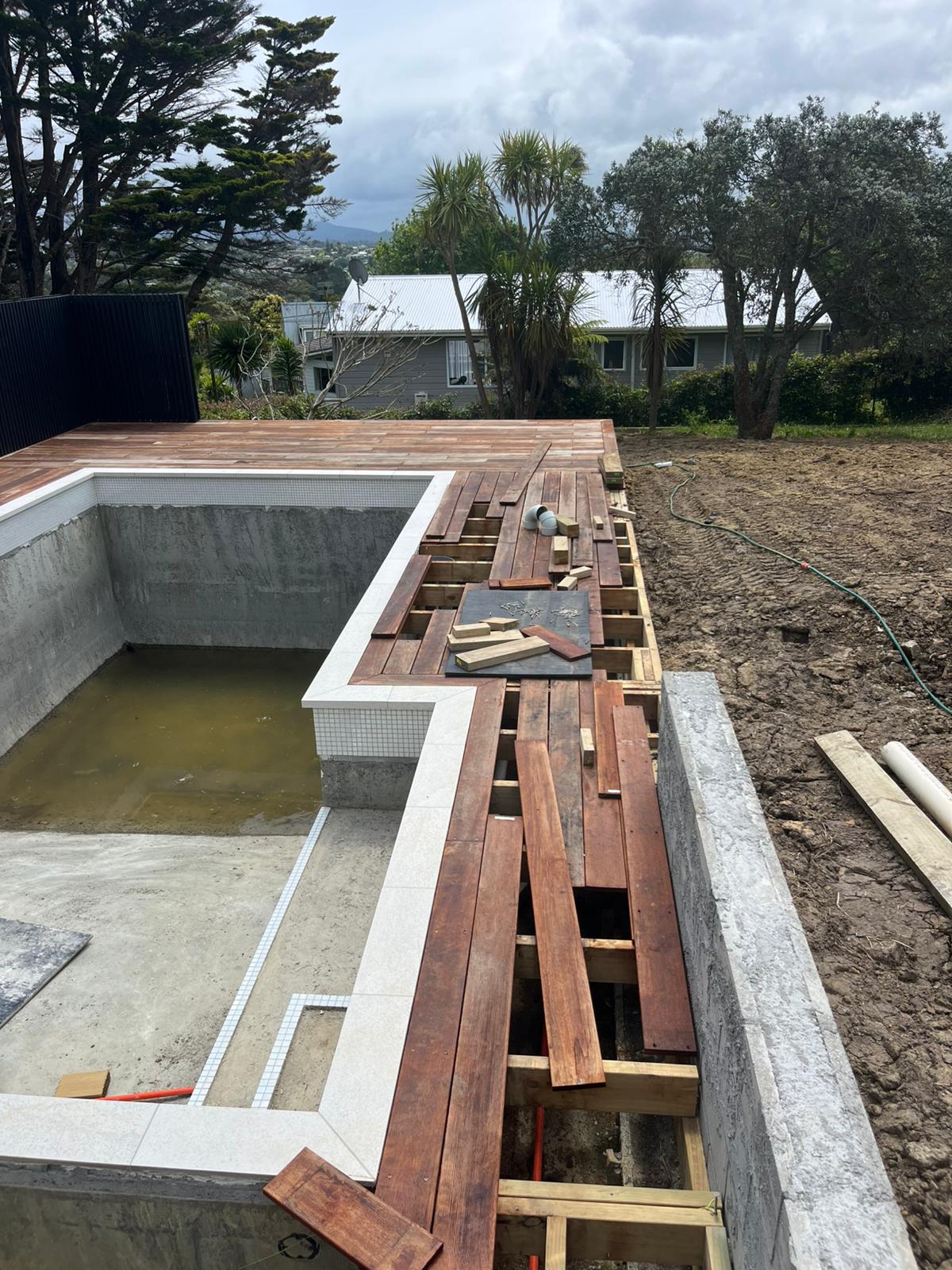
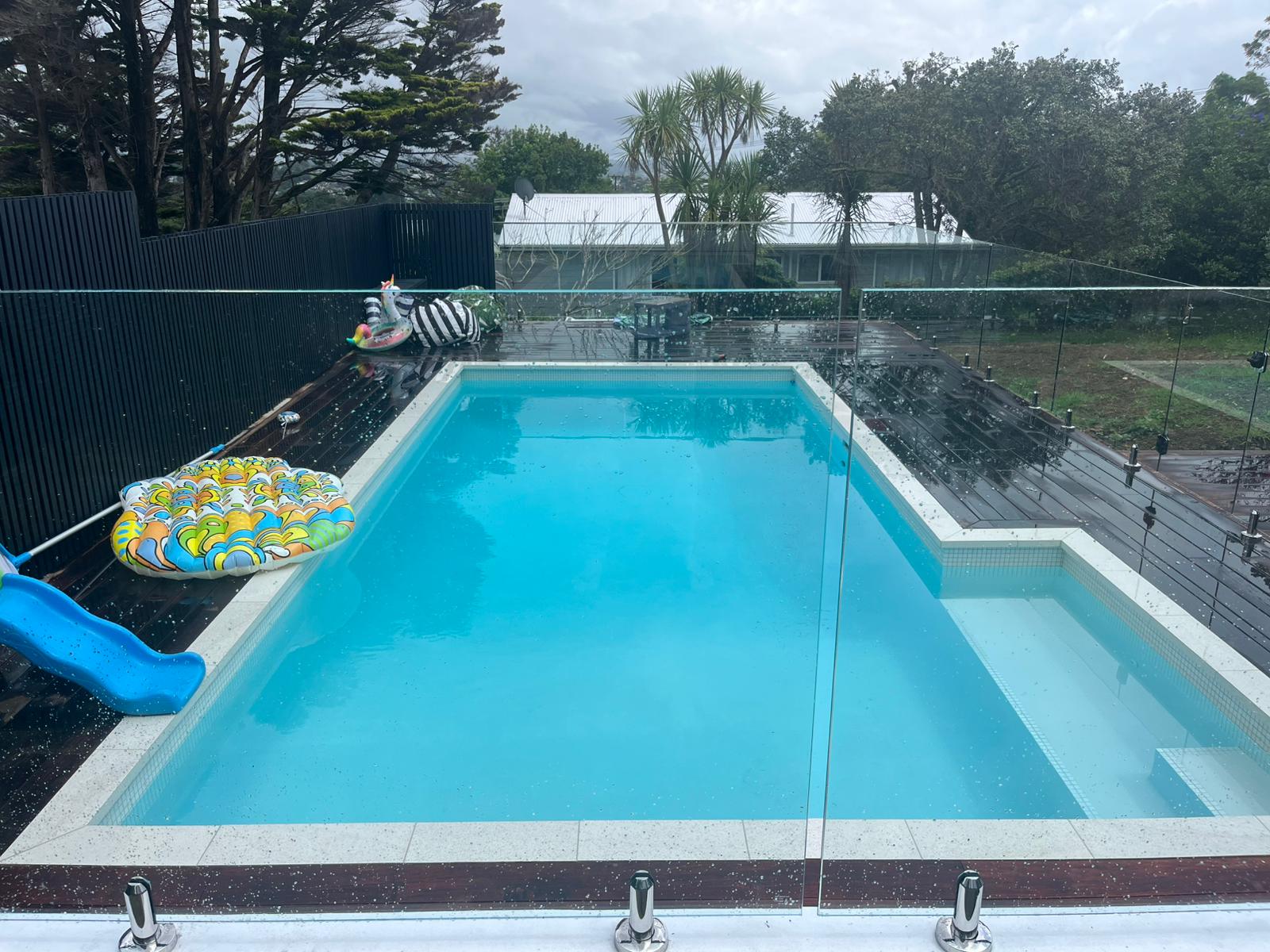
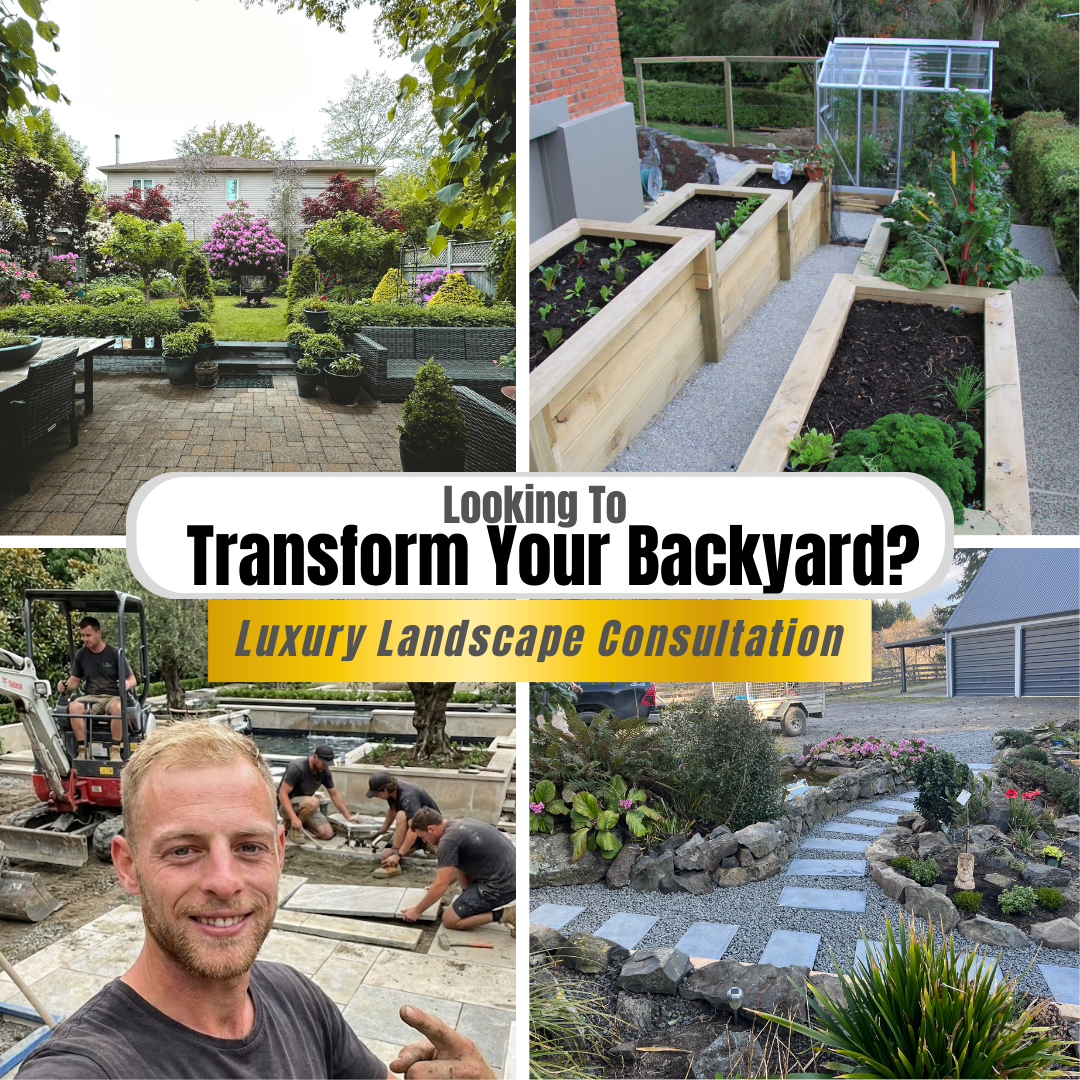
Before & after
5 jobs, same angle both shots. Best for renos.
📱
Even casual selfies work. A photo from a holiday, a walk, a quick phone snap — anything with you in it gives us material to work with. The less polished, the more authentic. The less work for you, the better.

Real Examples From Our Clients

The kind of raw phone photos partners send us — exactly what we work from.
01
Example 1
Client example — solo in uniform
Solo in uniform
Client example — team photo
Team photo
Client example — on the job
On the job
Client example — before Client example — after
Before & after
02
Example 2
Client example — solo in uniform
Solo in uniform
Client example — on the job
On the job
Client example — before Client example — after
Before & after
03
Example 3
Client example — solo in uniform
Solo in uniform
Client example — on the job
On the job
Client example — before Client example — after
Before & after
04
Example 4
Client example — solo in uniform
Solo in uniform
Client example — team photo
Team photo
Client example — on the job
On the job
02
The Output

From a phone photo to a scroll-stopping ad.

Photo Transformation 01 / 01
Your raw photo Raw client photo
AI ad output AI ad creative output
A casual phone snap becomes a scroll-stopping branded ad.
Your raw photo Raw client photo
AI ad output AI ad creative output
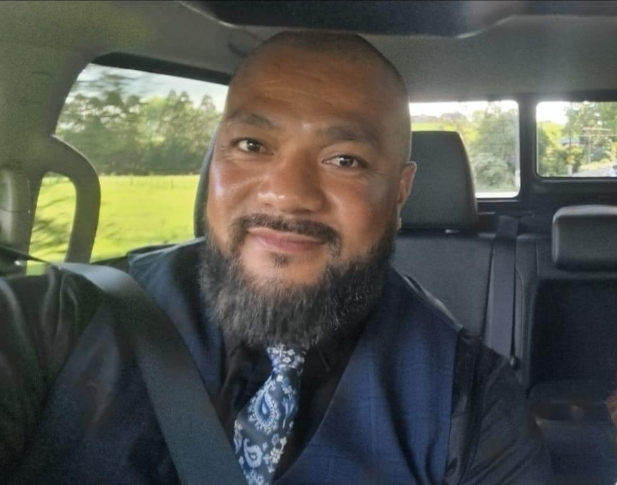
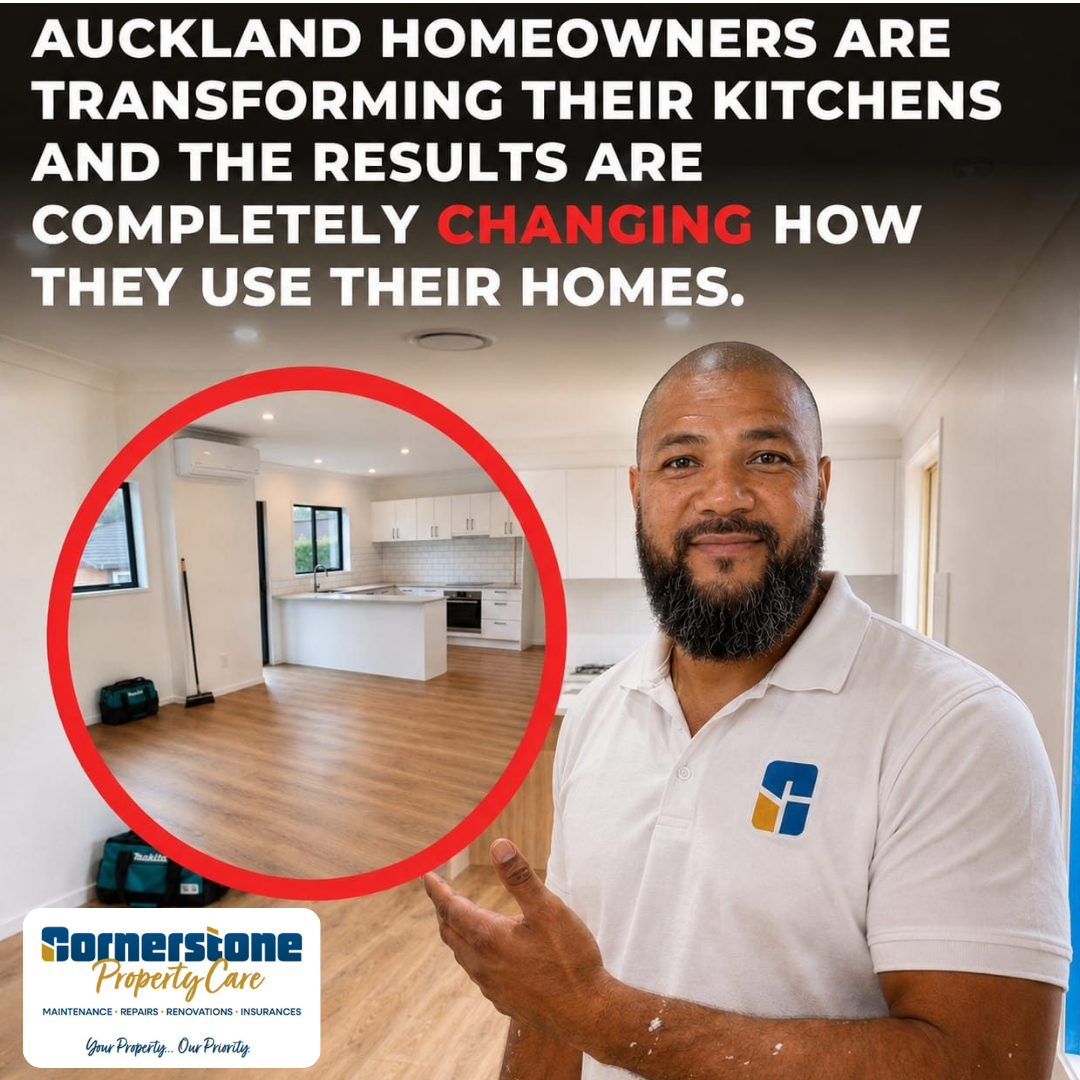
A car selfie becomes a branded kitchen-transformation ad.
Your raw photo Raw client photo
AI ad output AI ad creative output
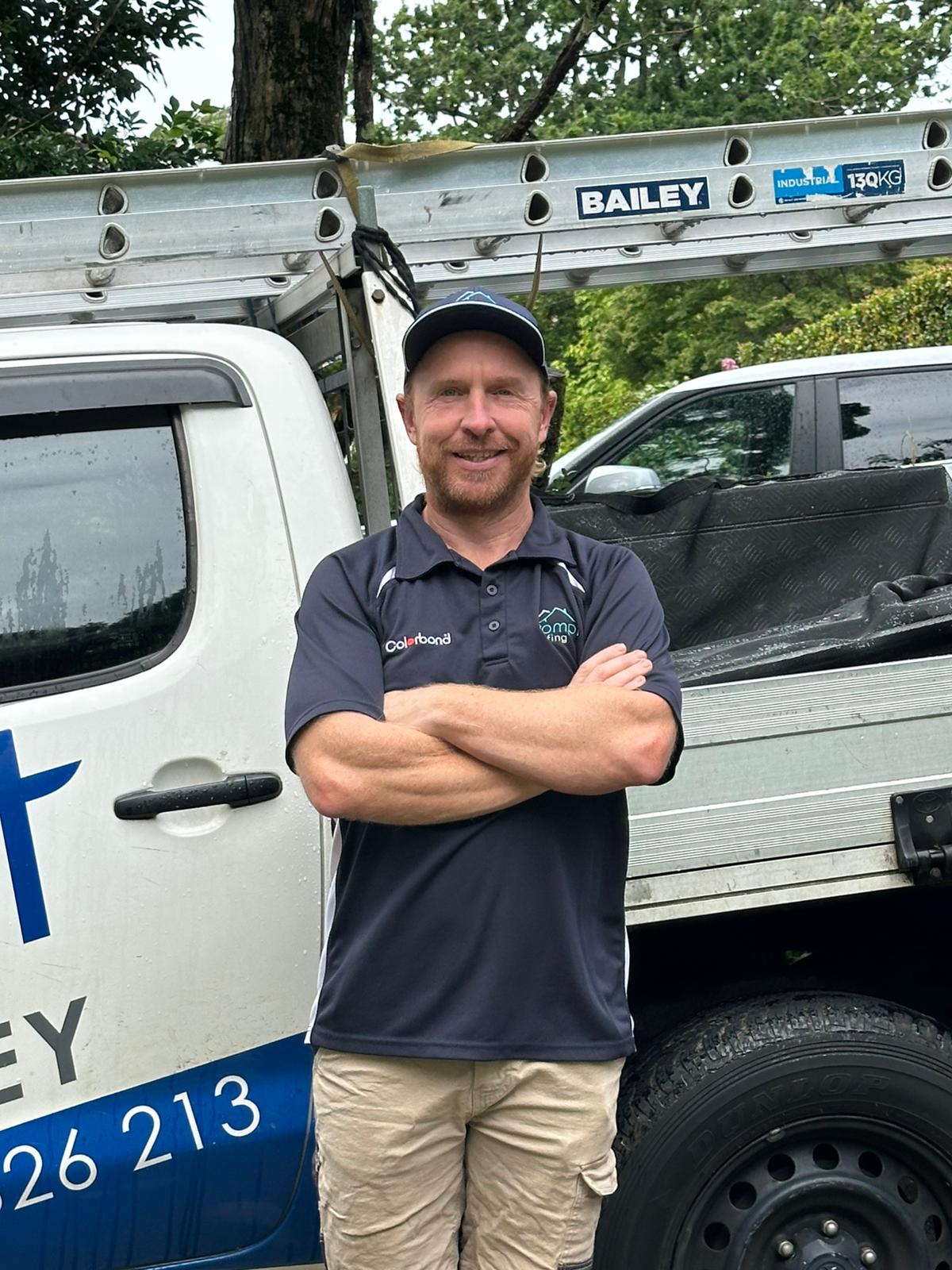
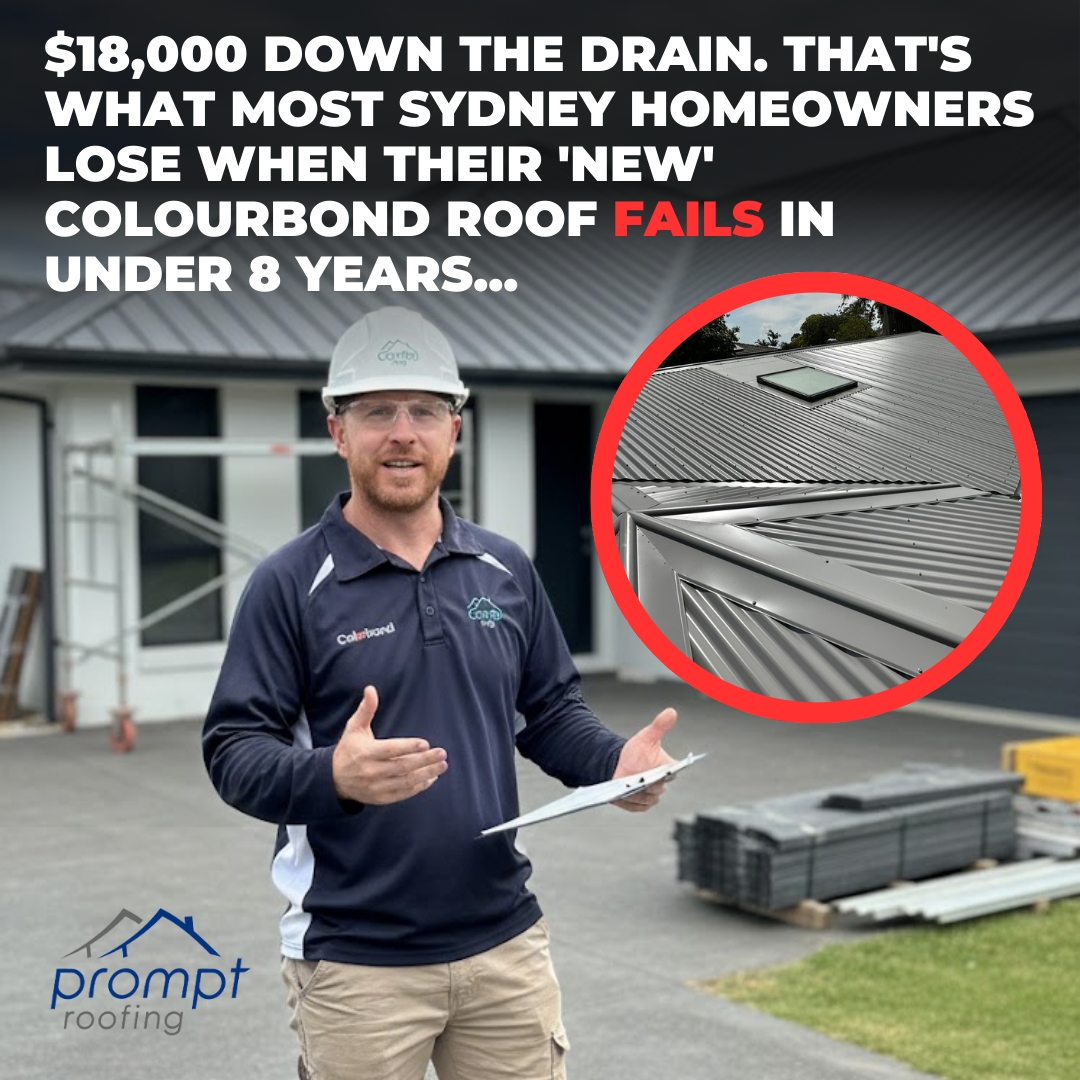
A quick photo by the ute becomes a branded roofing ad.
Your raw photo Raw client photo
AI ad output AI ad creative output
A waterfront selfie becomes a branded owner-intro ad.

Live ads, in the wild

Real ads we've run for tradie partners. Each variation tests a different colour scheme, hook, and layout — we keep the winners, kill the losers.
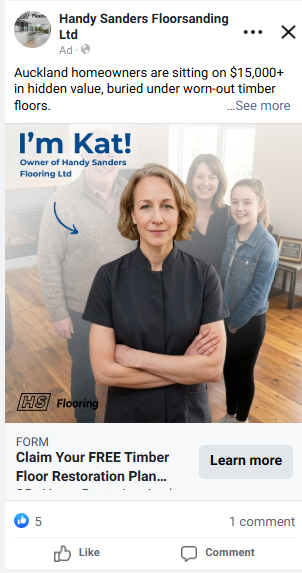
Live Handy Sanders Facebook ad — owner intro
Handy Sanders · Owner intro
Face + name builds instant trust before they enquire.
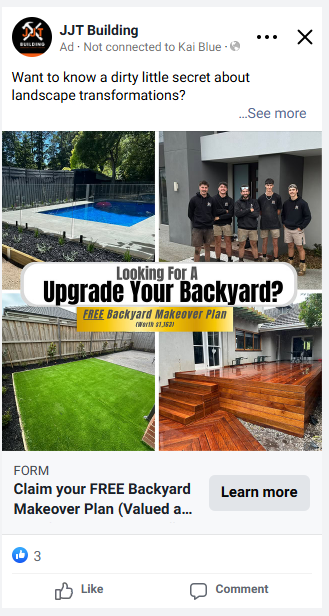
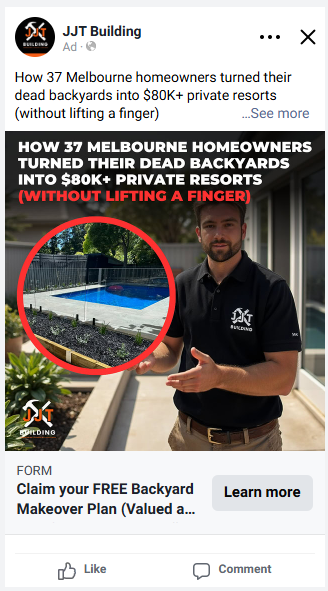
Live JJT Building Facebook ad
JJT Building · Offer ad
Bold offer + face + uniform = scroll-stop in 0.5s.
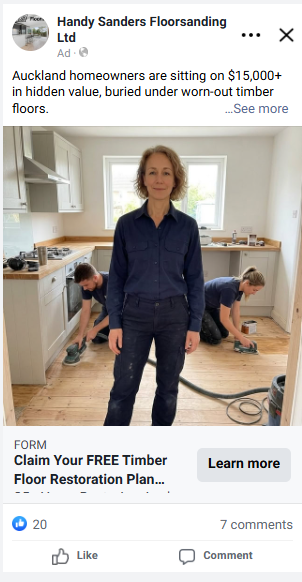
Live Handy Sanders Facebook ad — on the job
Handy Sanders · On the job
Owner up front, team working behind — shows it's real.
Live JJT Building Facebook ad — palette test
JJT Building · Palette test
Same photo, alternate colour palette to A/B test attention.
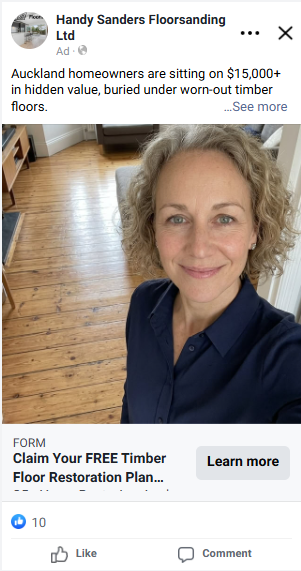
Live Handy Sanders Facebook ad — selfie
Handy Sanders · Selfie
Casual selfie feels organic — not like a paid ad.
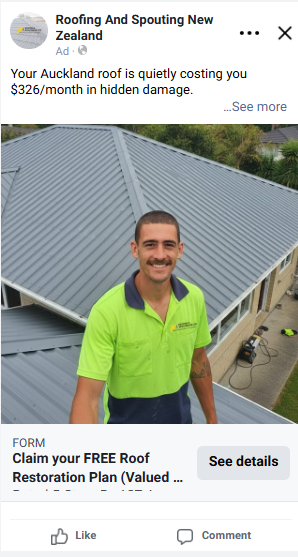
Live Roofing & Spouting NZ Facebook ad — on-site
Roofing NZ · On-site
Tradie on the roof, hi-vis + smile = local and legit.
Live JJT Building Facebook ad — headline test
JJT Building · Headline test
Different headline framing finds the highest-CTR copy.
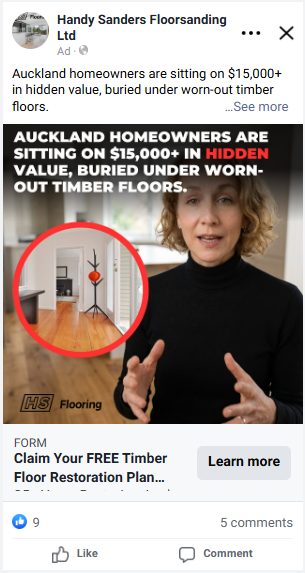
Live Handy Sanders Facebook video ad
Handy Sanders · Video ad
Talking-head video positions her as the expert.
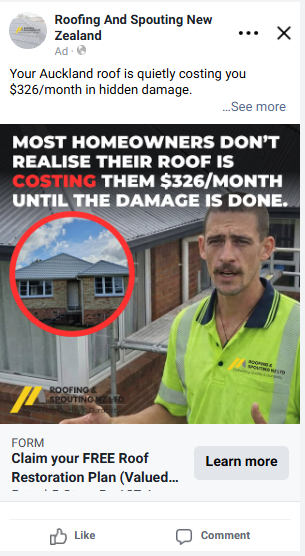
Live Roofing & Spouting NZ Facebook video ad
Roofing NZ · Video ad
Attention-grab headline over a talking-head clip.
Nothing goes live without your sign-off. Every creative gets approved by you before it runs. You always have the final say.
📊 The Data

10× the click-through rate. A fraction of the time. Nothing on you.

We've split-tested AI creative against real photos across 24+ campaigns in AU & NZ. The result is so consistent it's no longer a debate — and it's why we run AI by default for every new partner.

10.15%
CTR with AI ad creative
vs 1.32% with real photos
24+
Campaigns tested across
Australia & New Zealand
99/100
Times AI beats human-photo creative on cost & performance

Creative video examples

Real videos in each of the five formats. Tap a video to unmute or go fullscreen.

01 · Selfie / Talking head
You, on camera, 30 seconds
02 · Project showcase
Walk a finished job
03 · Client testimonial
A real client. Their words.
04 · Transformation
Before. Reveal. After.
05 · Expert / Educational
Teach them what "good" looks like
03
Section Three — Video

Five video formats. Filmed on your phone.

Vertical phone video drives the cheapest leads we generate. The good news: you don't need a videographer, a script, or studio lighting. You need 60 seconds and your phone.

Why this is for you
Every top campaign shares one thing: vertical phone video from the owner.
Homeowners want to see who they're hiring before they enquire — campaigns that skip this take 3× longer to find a winner.

The five videos we make for you

A quick overview of each format and how it differs from the others.

  1. Selfie / Talking head
    You, speaking straight to the camera. The only format where you talk directly to the viewer — it builds the personal connection none of the others can.
  2. Project showcase
    A walkthrough of a finished job, highlighting the craftsmanship. About the work, not you — proof of quality rather than personality.
  3. Client testimonials
    A happy client on camera sharing their experience. The only format where someone else does the talking — third-party trust you can't create yourself.
  4. Transformation
    The "before" state, then the finished "after" from the same angle. No talking needed — the dramatic visual shift does all the selling.
  5. Expert / Educational
    Tips, trade secrets, or advice from a job site. Sells nothing directly — it positions you as the trusted local expert before they ever enquire.
FYI — why the talking head is the #1 format

Homeowners hire people, not businesses. When they see your face, hear your voice, and feel like they already know you — the gap from "ad" to "enquiry" collapses. Our top-performing campaigns are 2–3× cheaper per lead when the owner is on camera versus when they aren't. It's the single highest-leverage 60 seconds you'll spend in this onboarding.

Download an app called Teleprompter on your phone — 2 easy steps

  1. Open the App Store (iPhone) or Google Play (Android) on your phone
  2. Search "teleprompter" and install a free app (e.g. Teleprompter Premium, BIGVU)

The app allows you to:

  • Paste in the script
  • Display the script on your screen
  • Record yourself while reading the script
  • Look directly at the camera while following the words on screen

This makes the video look natural, as if you're speaking directly to the camera.

✍️

We write the script

Don't worry about what to say. Our team writes and sends you the exact, word-for-word script for every video ad.

📱

You read it off your phone

Paste our script into a teleprompter app and read it smoothly while looking straight down the lens.

👁️
Eye contact. Look straight down the lens — not the screen, not the floor — the whole time. We can edit your footage, but we can't fix poor delivery.
🔥
Enthusiasm. Bring energy to your voice and smile. If the video lacks passion, the ad won't perform — you're talking to a customer.
🖼️
Screenshot — teleprompter app in action
Example of the script scrolling on a phone while recording

How to Record Your Video

Don't worry about making the video perfect. The goal is to record a natural video of you speaking directly to the camera. We'll handle the editing, cuts, captions, and other improvements afterward.

Once you receive the script:

Step 1 of 10
Open the script on Teleprompter
  • Open the app
  • Paste the script into the Teleprompter
  • Adjust the text size so it's easy to read
  • Set the scrolling speed to a comfortable pace
  • Position the script as close as possible to the phone's camera

Quick Checklist Before Sending

Before sending the video, check:

Your face is clearly visible
The video is recorded vertically
The camera is stable
Your face is well-lit
The background is clean and relevant
Your voice is clear
There is minimal background noise
You followed the script
The video file is saved and ready to send
💪
Most importantly: don't overthink it. You don't need to get the perfect take. Just speak naturally and give it a go. The editing team will take care of the rest.

🎬 Watch: How to Film Your Videos

How to film the videos
Video coming soon — placeholder

Ready? Send everything to Aaron on WhatsApp.

Phone photos, selfies, raw video clips — drop them all into the chat. We'll do the rest within 48 hours and have you ready to launch.

💬 Send on WhatsApp →
Final sign-off
Yes, I've confirmed that I've taken the photos and sent them over.
← Back to Step 4 Next: Sales Training →